
If you are a proud owner of an Oculus Rift, and you’ve got an external storage device lying around somewhere, then it’s time to break out that hard drive because of the VR headset’s latest update. With the new patch, it lets users install games into a separate hard drive. Prior to this update, it only allows users to download and install games wherever Windows is installed.
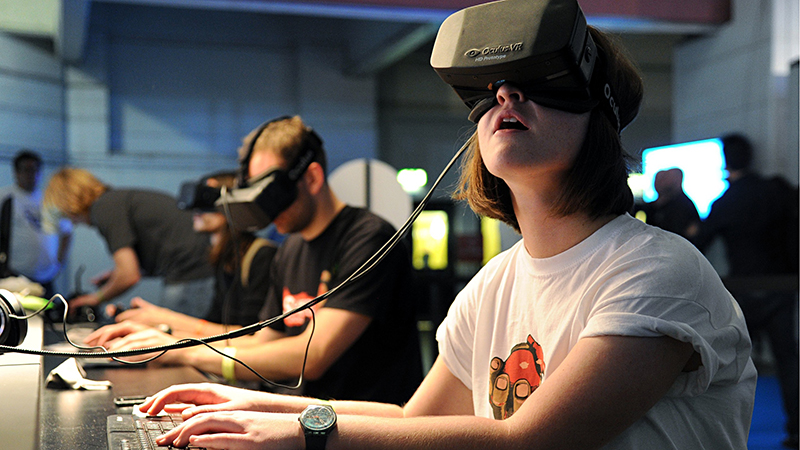
Oculus Rift Owners are Now Able to Download and Install Games Into a Separate Hard Drive
For many, downloading and installing games for Oculus Rift can be quite cumbersome as it can eat memory like a hungry person craving for pancakes in the morning. For many, installing the games on the Windows machine will most only let users enjoy three or four games before running out of space. Before, there were no options to move said games into a separate drive, until recently.
Oculus VR, which is now a Facebook subsidiary which is also responsible for the creation of the Rift virtual headset, had just recently updated their device’s software just recently. The latest patch added in a key feature which allows users to install their games on a separate drive other than their Windows machine. However, before everything goes smoothly, there are some hoops that you have to jump through first.
According to the Oculus support page, you would first have to backup your game saves an app data. To do that, shut down the Oculus application, then open up the Start menu on Windows and select “Run.” In the new window, type and search: C:\Program Files (x86)\Oculus\ (or the directory where you’ve installed the app). Copy the Redistributables folder, then back it up to another location. Open Run once more, then type and search: C:\Program Files (x86)\Oculus\Manifests (or again, wherever it is that you’ve installed the app). Copy all of the contents of the folder to another safe locations except anything that ends with _assets.json.
For the final step taking advantage of the Oculus Rift update to make sure that nothing goes wrong, uninstall the app and download the latest Oculus app afterwards; you can even install it to a new location if you so desire. In order to restore your games saves and app data from the backup, first you would need to shut down the Oculus app. Open the Oculus folder on the directory where you’ve just installed it. Copy your backed-up Redistributables folder into the new Oculus folder, then copy your backed-up contents of the Software folder into the Oculus Software folder (for example: D:\Oculus\Software). Do the same thing for the Manifests folder and copy it into the new Oculus Manifests folder (example D:\Oculus\Manifests). Open the app once more and then reboot it by clicking on the gear icon. Go to Settings -> Beta -> Restart Oculus. Afterwards, you should see your apps under “Installed” within the library section of the app.